Supplier invoices
Quarantine
Deviating invoices held for review
Supplier invoices
Disputes
Returned to the supplier with a reason
Outgoing invoices
Dynamic routing
A delivery channel chosen per recipient
Outgoing invoices
Custom rules
Information added per customer
Exception handling for supplier invoices
Every Peppol invoice is first validated against the rules for its format. Invoice rules come on top: the conditions your organization sets for what an invoice must contain before it moves on to approval and posting.
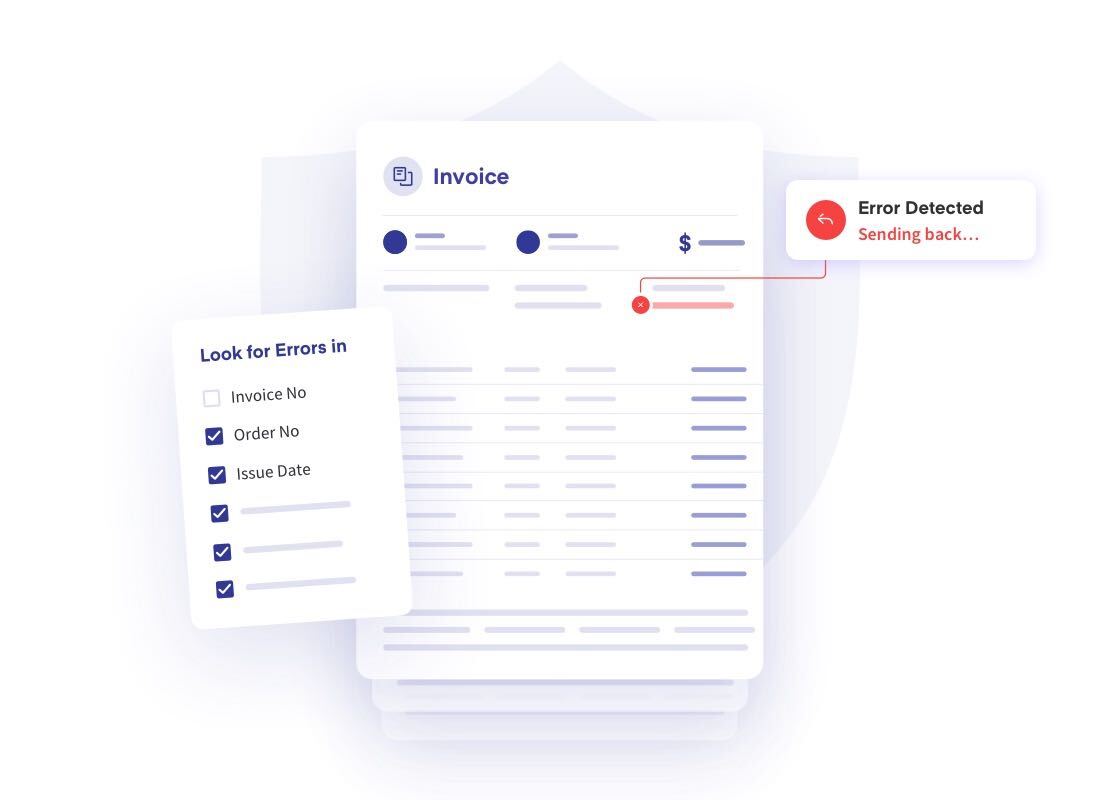
An invoice that does not meet them is held in quarantine with the reason shown. Your team corrects what can be corrected and releases the invoice, or disputes it with the supplier.
- Deviating invoices held in quarantine, with the reason for each
- Correct and release, or dispute with the supplier
- E-invoices and captured PDF invoices in the same review queue
- Search the queue by supplier, reason and date
- Approved invoices continue to approval and posting
Rules for outgoing invoices
The same rules work in the other direction: which channel each invoice is delivered through, and what each customer needs to find on it.
Dynamic routing
Qvalia chooses the delivery channel for each recipient: Peppol, digital mailbox or internet bank, email or print. Dynamic routing is part of your agreement.
Custom rules per customer
Add the references, codes or other information a customer requires on its invoices. The rule runs on every invoice to that customer, so nobody has to edit invoices by hand.
Where invoice rules fit in the flow

Receive
Supplier invoices arrive over Peppol, as EDI, or as PDF invoices that capture turns into structured data.

Validate
Peppol invoices are checked against the rules for their format before anything else happens.

Apply your rules
Invoice rules hold, correct or dispute the invoices that do not meet your conditions.

Approve and post
Invoices that pass go to the approval workflow and on to posting in your accounting system.


Invoice rules FAQ
What is the difference between validation and invoice rules?
Validation checks that a Peppol invoice follows the rules for its format, for example Peppol BIS Billing 3.0, and runs on every invoice. Invoice rules are the conditions your organization adds on top, such as which references an invoice must carry before it goes to approval.
What happens to an invoice in quarantine?
It waits for review, with the reason shown. Your team can correct it and release it into the normal flow, or dispute it with the supplier.
Can PDF invoices be checked by the same rules?
Yes. A PDF invoice is first captured into structured data and is then handled like other incoming invoices, in the same review queue.
What is dynamic routing?
Qvalia chooses the delivery channel for each outgoing invoice based on what the recipient can receive: Peppol, digital mailbox or internet bank, email or print. It is set up as part of your agreement. Read about the delivery channels.
Do I need to change my ERP?
No. Invoice rules run in Qvalia, between your ERP and the network, whether you work in the web app or send invoices through the API.
Which plans include invoice rules?
Invoice rules are part of the Enterprise offer. Contact us to go through the rules your organization needs.


