
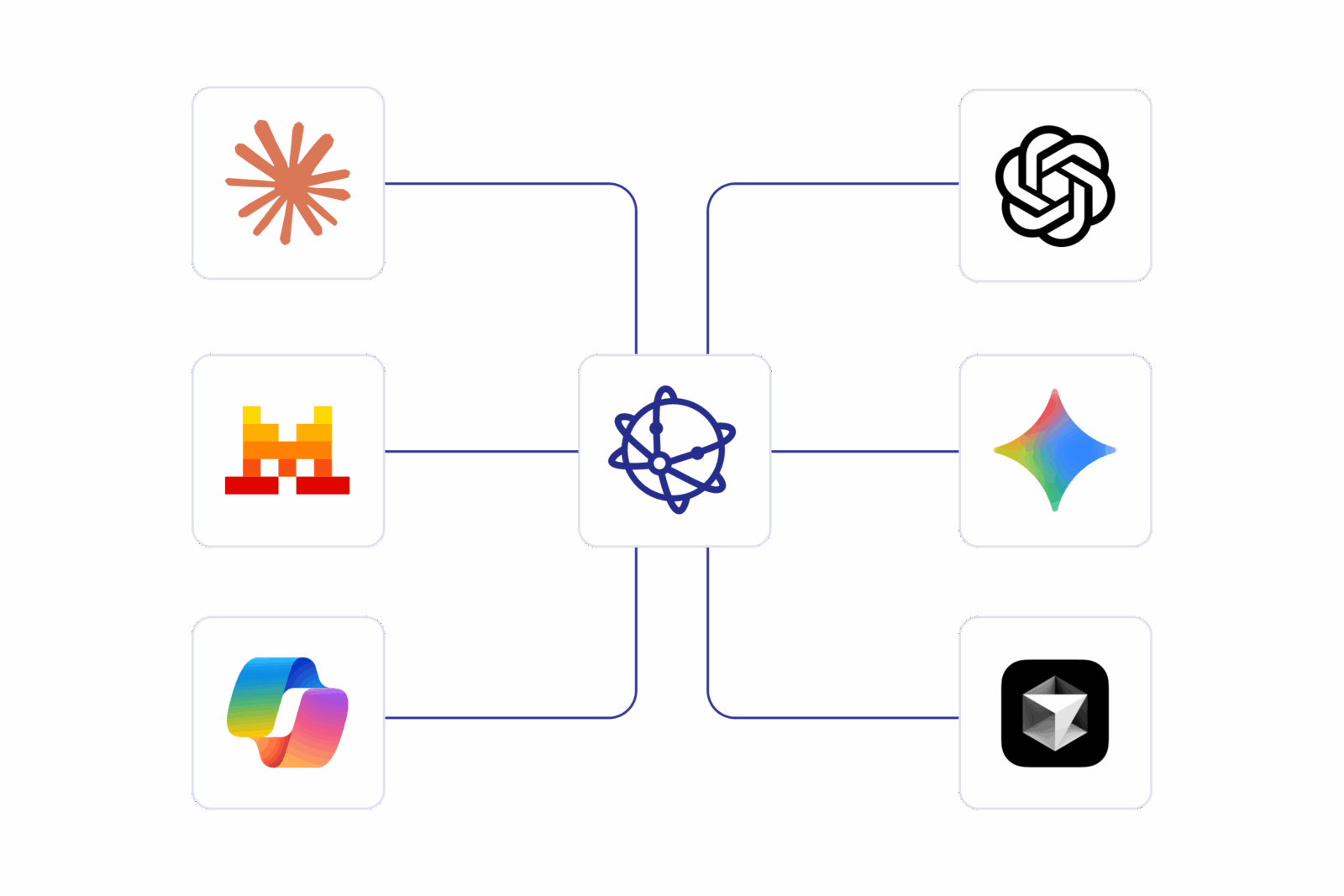
Bring structured transaction data to AI agents
AI in finance and business transactions needs structured data to deliver real value. Most transaction data isn’t.
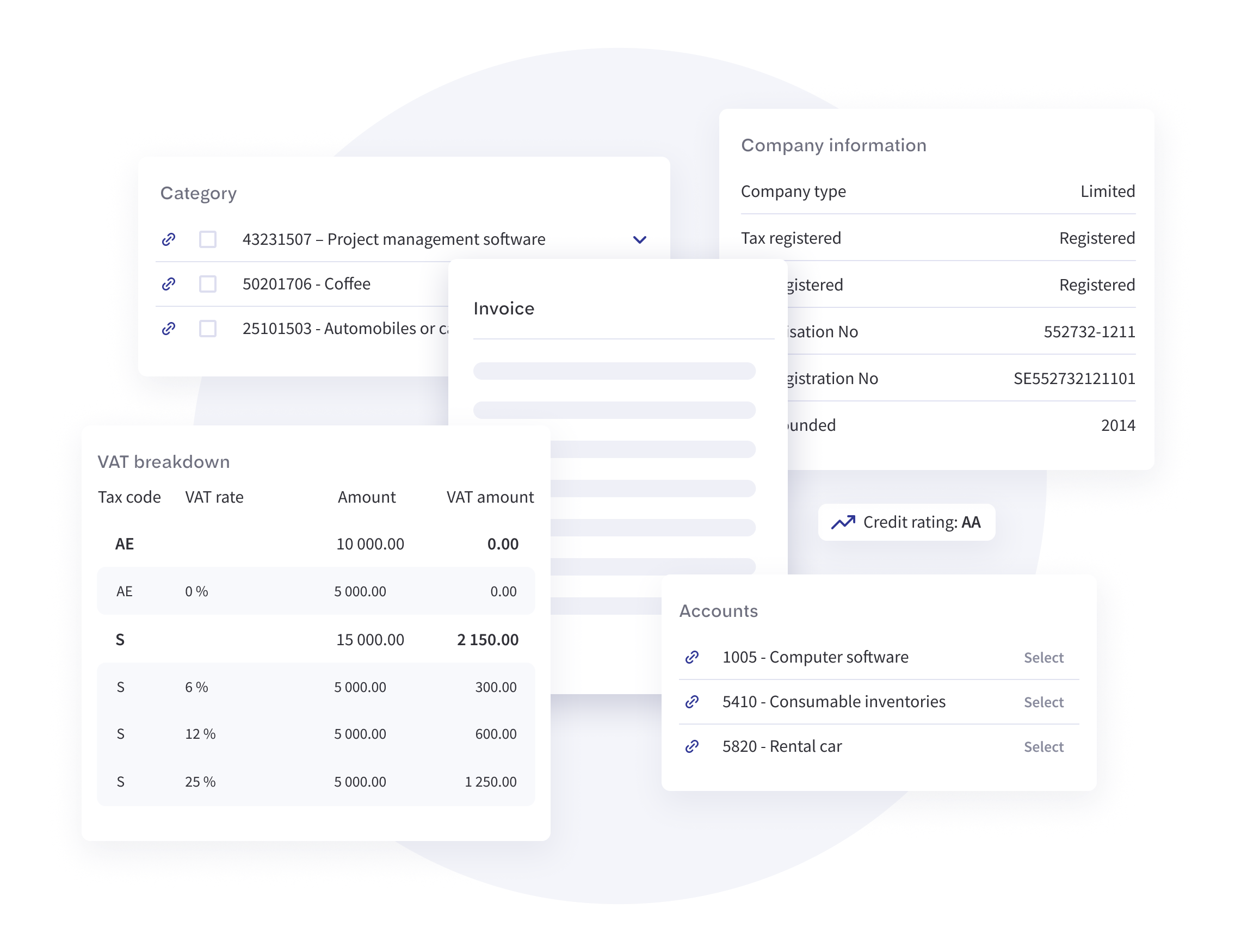
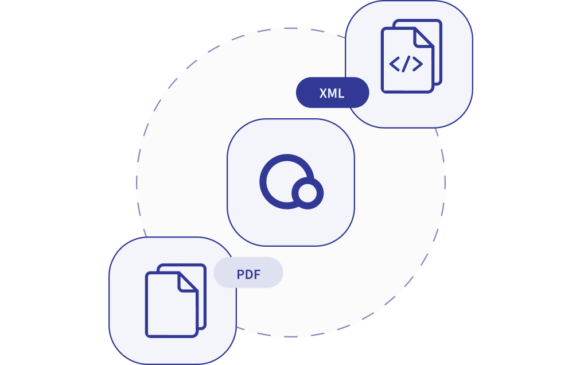
Qvalia normalizes invoices, orders, credit notes, and related messages across Peppol, EDI, PDF, API, SFTP, and portal channels. With MCP, this data — including status, validation history, and line-item detail — is available to AI assistants, copilots, and agentic workflows through a secure, standardized interface.
Resources, tools, and prompts
MCP defines three primitives for connecting AI to external systems. Qvalia exposes all three.
Resources
Structured context that AI applications can retrieve and reason over.
- Transaction records and document details
- Invoice and order line items
- Delivery logs and validation results
- Quarantine and workflow status
- Peppol participant information
- Audit history and event trails
Tools
Approved functions that AI applications can call in a controlled manner.
- Search transactions by any dimension
- Retrieve structured document details
- Explain validation and delivery errors
- Search normalized line-item data
- Look up Peppol participants
- Validate documents before sending
Prompts
Reusable workflows for common business questions and operational tasks.
- Summarize failed transactions
- Analyze supplier invoice exceptions
- Identify invoice/order mismatches
- Prepare finance operations reports
- Review transaction activity by entity
- Find recurring data quality issues
MCP tools exposed by the server
Each tool is a controlled function that AI clients can discover and call. Read-only by default.
search_transactions
Find invoices, orders, credit notes, and other messages by date, counterparty, amount, status, channel, country, or document type.
get_transaction_details
Return structured details for a transaction: header data, line items, taxes, references, attachments, validation history, and workflow status.
search_line_items
Search normalized line-item data across suppliers, products, UNSPSC categories, VAT rates, prices, quantities, or contracts.
get_delivery_status
Show whether a document was created, validated, sent, delivered, rejected, failed, or quarantined.
explain_exception
Translate Peppol, validation, delivery, or processing errors into plain-language explanations and suggested fixes.
lookup_peppol_participant
Check whether an organization can receive Peppol documents and what document types it supports.
validate_document
Validate a draft or existing document against Peppol BIS rules and country-specific requirements.
trace_transaction
Review the full delivery chain: timestamps, access point status, technical evidence, and exceptions.
// Example: AI agent querying failed deliveries

search_transactions({
  status: "failed",
  channel: "peppol",
  date_from: "2026-04-28",
  date_to: "2026-05-04",
  document_type: "invoice"
})

// Response: structured list of failed invoices
// with counterparties, amounts, error codes,
// and links to detailed transaction views

// Follow-up: explain the errors
explain_exception({
  transaction_id: "txn_8f2a91c3"
})

// Response:
// "The recipient's Peppol endpoint rejected
//  the invoice due to a missing OrderReference
//  field (BT-13). This is required by the
//  Swedish SFTI profile. Add the purchase order
//  number and retry delivery."
What you can build with it
From operational monitoring to AI-powered procurement intelligence.
Transaction monitoring
Give AI agents access to transaction status and delivery events across Peppol, EDI, PDF, API, SFTP, and portal flows. Monitor failed messages, delayed deliveries, validation issues, and bottlenecks.
Deviation handling
Let AI summarize quarantine queues, explain validation errors, and recommend next actions based on structured transaction history. Reduce manual investigation in finance operations.
Spend and sales analysis
Use normalized invoice lines to analyze suppliers, products, categories, prices, VAT rates, and recurring patterns. Power procurement insights and cost control.
Invoice and order matching
Compare invoices against orders, references, line items, quantities, prices, and delivery information. Identify mismatches, missing references, and duplicate charges.
Peppol support and compliance
Help users understand Peppol routing, document support, validation rules, and delivery errors. Support implementation teams and technical operations.
Enterprise AI copilots
Connect enterprise AI assistants to live transaction data with governed, structured, and auditable access. Build copilots for finance, procurement, and customer service.
For developers and decision-makers
Build AI-enabled finance workflows
Use MCP-compatible clients and agents to search transactions, retrieve document details, inspect validation results, and connect business messaging data to your own applications — without building custom integrations for every use case.

Ground models in real transaction data
Use structured business transaction data for RAG pipelines, agentic workflows, exception classification, spend analysis, invoice/order matching, and tax anomaly detection. Data that is structured, explainable, and grounded.
Ask better questions, get actionable answers
Interact with transaction data through natural language. Find stuck invoices, explain validation errors, compare supplier pricing, surface anomalies, and generate operational summaries — without SQL or exports.

Governed AI access to financial data
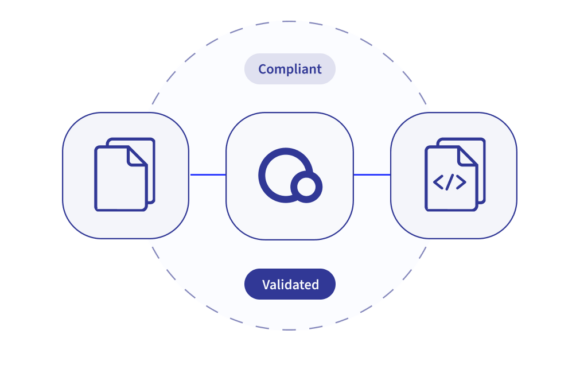
Expose business transaction data to AI through a permissioned integration layer. Read-only defaults, tenant isolation, audit logging, role-based capabilities, and clear separation between data access and transaction actions.
Example prompts for finance and procurement
Natural language queries against structured transaction data.
- Show all failed Peppol invoices from the last seven days
- Group invoice validation errors by supplier and issue type
- Which outgoing invoices were rejected by the recipient?
- Find purchase orders without matching invoices
- Which suppliers increased prices on recurring line items this quarter?
- Explain why these transactions are in quarantine
- Summarize transaction activity by business unit and country
- Identify invoices with missing order references
- Show all documents sent through Peppol to this customer last month
- Prepare a management summary of transaction exceptions
What is a Peppol MCP server?
A Peppol MCP server connects MCP-compatible AI applications to Peppol and business transaction data. It allows AI agents and LLM applications to search, retrieve, and reason over structured information such as invoices, orders, delivery statuses, validation errors, and line items.
What can Qvalia’s MCP server be used for?
Transaction monitoring, Peppol error analysis, invoice and order search, exception handling, spend analysis, supplier insights, line-item analysis, workflow automation, and AI-powered finance or procurement copilots.
Is this only for Peppol?
No. Peppol is a core part of the scope, but Qvalia supports business transaction flows across Peppol, EDI, PDF, API, SFTP, and portal channels. The MCP server can expose structured data across these flows, depending on the customer’s configuration and permissions. Data enrichment (classification, posting) can be applied natively using addon services.
Does the AI get direct database access?
No. The MCP server exposes approved tools, resources, and workflows. The AI application receives controlled access through defined capabilities, not unrestricted database access.
Can AI agents send or approve invoices?
The recommended first version is read-only. Actions such as sending, approving, retrying, exporting, or modifying transactions require explicit permissions, user confirmation, and audit logging.
Who should use Qvalia MCP?
Developers, AI teams, enterprise architects, finance operations, procurement teams, ERP platforms, Peppol service providers, and organizations building AI-powered transaction workflows.
Why does structured transaction data matter for AI?
Structured data gives AI models reliable context. Instead of interpreting unstructured PDFs or disconnected exports, AI applications can work with normalized transaction records, line items, statuses, validation results, and workflow context.
How is this different from an API?
An API is typically built for application-to-application integration, for examaple Peppol API. MCP is designed for AI applications and agents, making tools, resources, and prompts discoverable and usable in LLM workflows. Qvalia MCP wraps structured transaction capabilities in a format that AI clients can use natively.
Which AI applications work with Qvalia MCP?
Qvalia’s MCP server is compatible with any application that supports the Model Context Protocol. This includes AI assistants like Claude (Anthropic), ChatGPT (OpenAI), and Gemini (Google), as well as developer tools like Cursor, Windsurf, and agentic frameworks such as LangChain and CrewAI. Any MCP-compatible client can discover and use the tools, resources, and prompts exposed by the server.
Ready to connect?
Whether you need to launch a new invoicing flow in your platform or improve AP efficiency and control across your organization, we’ll help you find the right setup.
 Adapted to your systems, workflows, and delivery model
Designed for scale, compliance, and operational control
Guidance on setup, rollout, and next-step automation