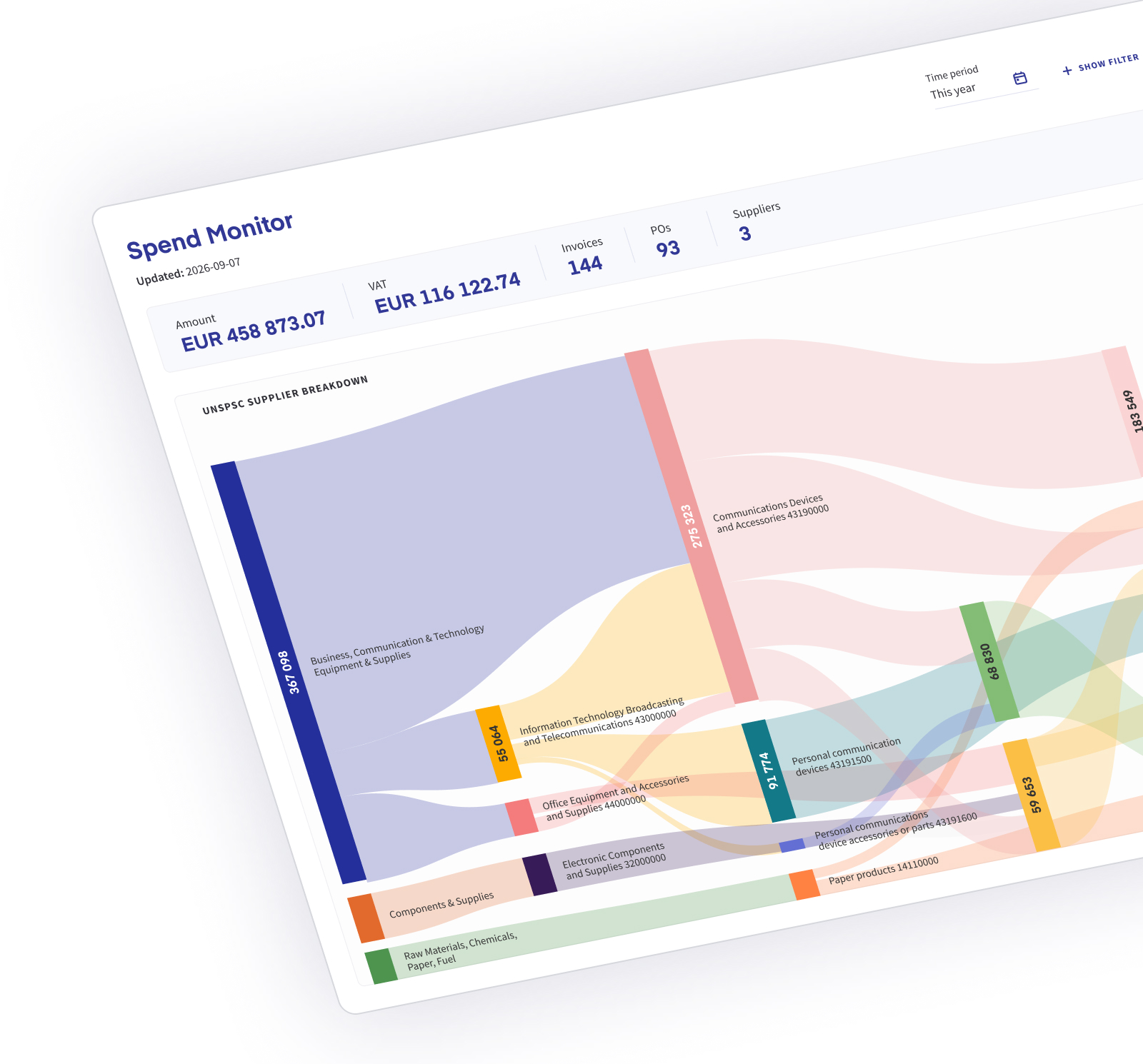
Analyze spend by category, supplier and price
Most of what procurement needs to know is already in the invoices. Classified at line level, they show where money goes and where prices move.
Category spend
Spend per UNSPSC category, from segment down to the individual invoice line.
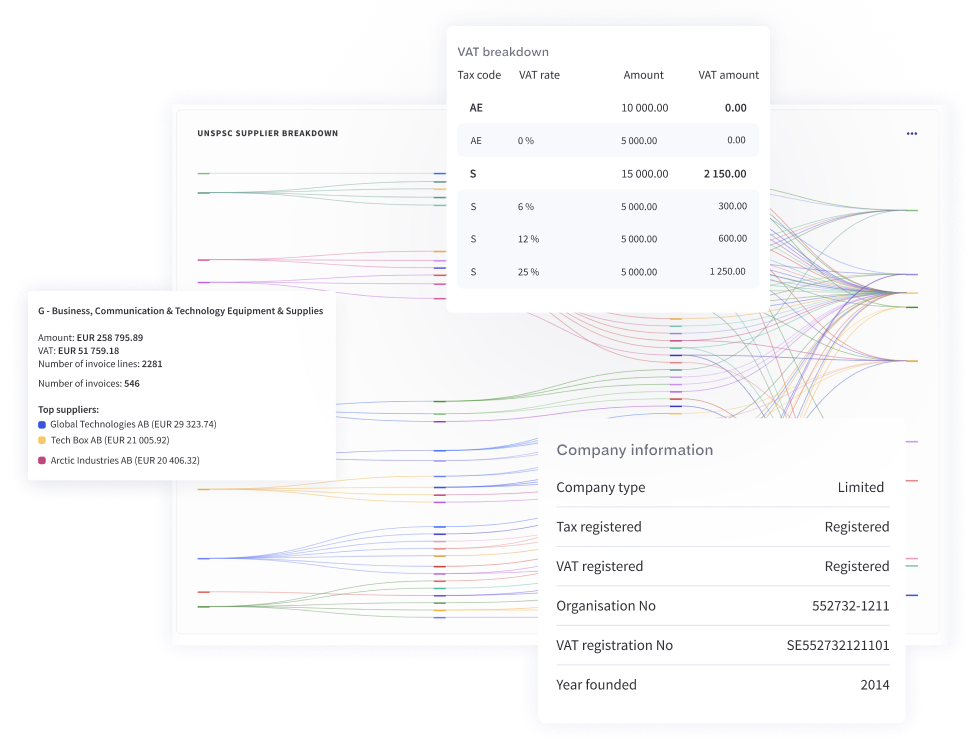
Supplier overlap
Compare suppliers within a category to find overlap and candidates for consolidation.
Price changes per supplier
Follow the prices suppliers charge over time and spot deviations per supplier before the next negotiation.
Spend over time
Trends and key figures per supplier, country and currency, for purchases and for sales.
Why procurement analytics starts at the invoice line
An invoice total shows what a supplier was paid. The lines show what was bought. One supplier often sells in several categories, so classification per line puts every amount in the right category.
43 Segment: IT, broadcasting and telecommunications
4321 Family: computer equipment and accessories
432115 Class: computers
43211503 Commodity: notebook computers

Built from the invoices you already receive
Classification runs as invoices arrive. Earlier invoices can be imported, so the analysis also covers previous periods.
- Peppol e-invoices and EDI messages
- PDF invoices captured with their lines by invoice OCR
- Supplier records filled in from company registers with master data
Use the analysis in Qvalia or your BI tool
Procurement and controlling can work in the analysis views in Qvalia, or load the classified invoice lines into the tools they already use.
- Spend by category, supplier and product
- Saved report setups and CSV export
- Classified invoice lines through the Enrichment API
- Line-item data prepared in the structure your reporting needs
Getting started
Procurement analytics is included in Enterprise. We review your invoice sources, classification needs and reporting structure, and can import earlier invoices to establish a historical baseline.
Procurement analytics FAQ
What is procurement analytics?
Analysis of what an organization buys, from whom and at what price, so procurement can decide which categories and suppliers to act on. In Qvalia it is based on classified invoice lines rather than invoice totals.
How can we use it in supplier negotiations?
Compare the prices suppliers charge for the same products over time and see deviations per supplier. The negotiation then starts from what you have actually paid.
Can we find suppliers that sell us the same things?
Yes. Spend per UNSPSC category shows every supplier in that category, so overlap and candidates for consolidation become visible.
Can we compare units, countries and periods?
Yes. Every invoice line carries the same category code whichever supplier sent it, so the same category can be compared across units, countries and periods.
Can procurement and controlling work from the same figures?
Yes. Both work from the same classified invoice lines. Saved report setups keep the views consistent, and the underlying data can be exported to CSV or loaded into your BI tool.
What do we need to get started?
Invoices that pass through Qvalia, as Peppol e-invoices, EDI messages or PDF invoices captured as structured data. Earlier invoices can be imported, and procurement analytics is part of the Enterprise offer.