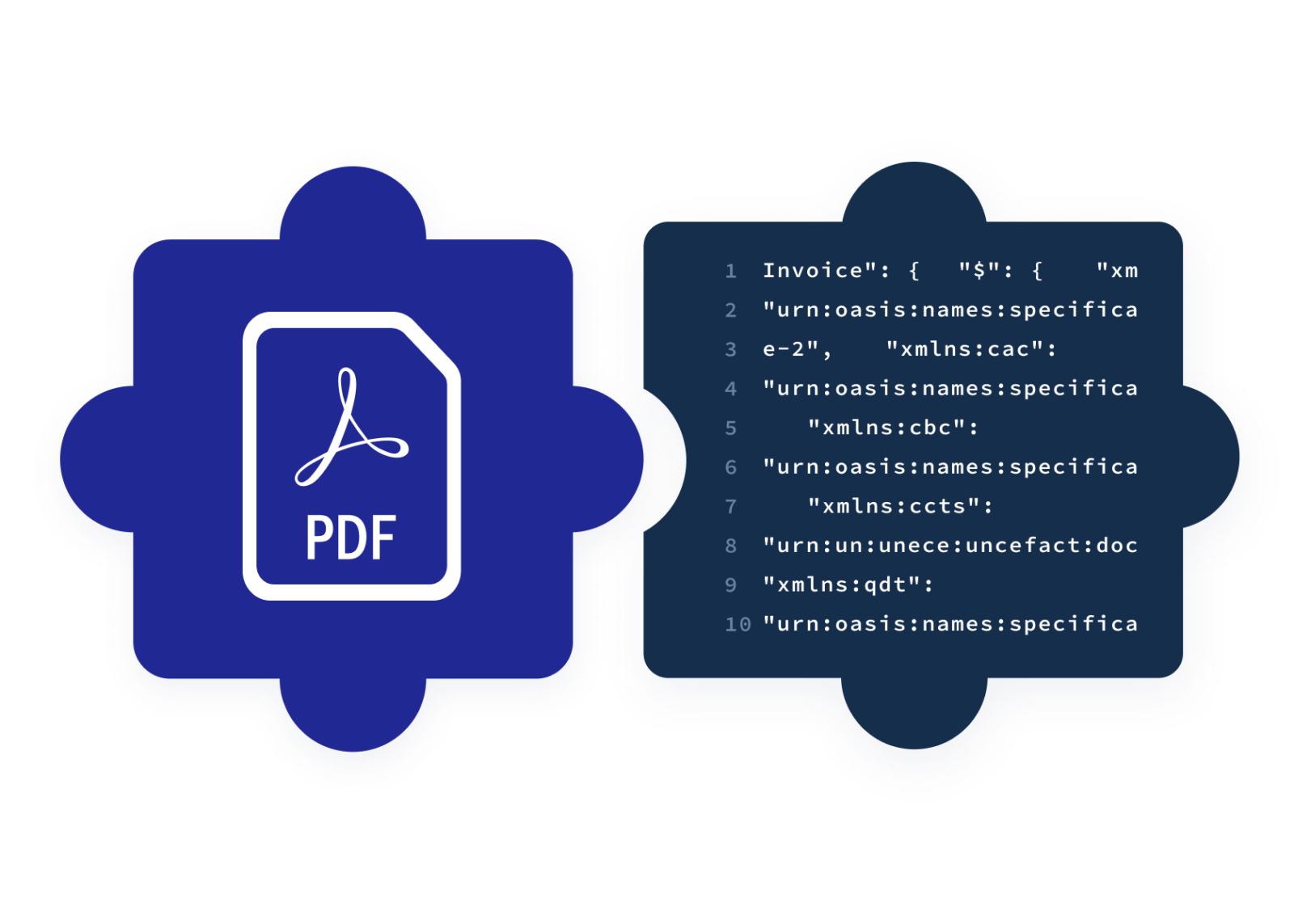
Input
PDF invoices
From suppliers who cannot send e-invoices
Output
Structured invoice
Header data and line items
Control
Review before release
Exceptions are held for your team
Next step
Approval and posting
The same flow as your e-invoices
From PDF to structured invoice
Invoice OCR captures supplier invoices that arrive as PDF files and turns them into structured invoices in your Qvalia account. From there they follow the same steps as Peppol e-invoices.
- Receive. The PDF invoice reaches your Qvalia account.
- Capture. OCR and AI-based extraction read header data, amounts and invoice lines.
- Check. Invoice rules validate the result. Invoices that need attention are held in quarantine, where your team reviews, corrects and releases them.
- Process. The invoice continues to approval, posting suggestions and UNSPSC classification.
What Invoice OCR captures
Line-level capture is what makes PDF invoices usable for approval, posting and spend analysis.
Header data
Supplier, invoice number, dates, currency, references and payment details.
Amounts and VAT
Net amount, VAT and amount payable, per invoice and per VAT rate.
Invoice lines
Description, quantity, unit price and line amount for each line.
Classification
Each line can be classified with UNSPSC for spend analytics.
A PDF is not an e-invoice
Invoice OCR makes PDF invoices usable in your own processes. It does not turn them into Peppol e-invoices, and it does not replace e-invoices from suppliers who can send them.
- Peppol e-invoices
Arrive as structured data from the start and need no capture. - PDF invoices
Are captured, checked and reviewed before approval. - One inbox
Both end up in the same account, rules and approval flow.
Choose the right capture option
Qvalia offers PDF capture in the platform and through an API.
This page
Invoice OCR
For finance teams that receive PDF supplier invoices in Qvalia and approve them there.
API
OCR API
For developers who want capture results as structured data in their own system or product.
Solution
Intelligent document processing
The solution overview for capture, enrichment and classification of documents at volume.
Try PDF invoice capture
Upload a PDF invoice to the capture test and see the structured data Qvalia extracts, including line items. The test is a simplified version of the capture service.


Frequently asked questions
What is invoice OCR?
Invoice OCR reads PDF or scanned invoices and turns the content into structured data such as supplier, invoice number, amounts and invoice lines. Qvalia combines OCR with AI-based extraction, so the result can be validated and processed like an e-invoice in your account.
Does Invoice OCR capture line items?
Yes. Qvalia captures invoice lines with description, quantity, unit price and amount, in addition to header data. Line-level data is what posting suggestions, UNSPSC classification and spend analytics build on.
What happens when a PDF is not captured correctly?
The invoice is checked by your invoice rules. If something does not add up, it is held in quarantine, where your team reviews, corrects and releases it before it reaches an approver.
Is a captured PDF invoice an e-invoice?
No. A captured PDF becomes structured data in your Qvalia account, but it is not sent over Peppol. Suppliers who can send Peppol e-invoices should do so, since the data is then structured from the start.
What is the difference between Invoice OCR and the OCR API?
Invoice OCR is part of the Qvalia platform, for supplier invoices your team handles in Qvalia. The OCR API is for developers who send PDF invoices from their own system and collect the structured result through the API.
Can I test the capture?
Yes. Upload a PDF invoice to the capture test to see the extracted data. The test is a simplified version of the service.


