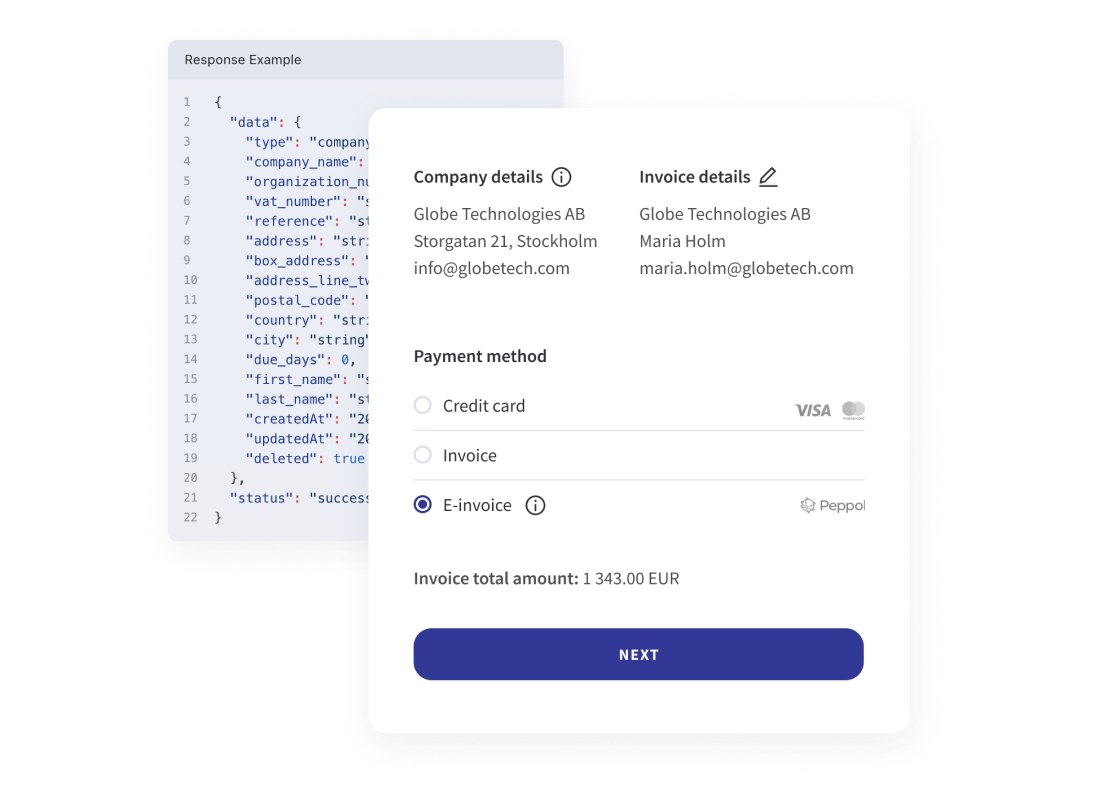
Deliver each invoice through the right channel
Public sector buyers expect Peppol e-invoices, some customers require EDI and others still want a PDF. Handled by hand, that leads to rejected and resent invoices. Qvalia sends each invoice in a form the customer can receive, and your team follows every delivery in one place.
| The customer | How the invoice is delivered | Included in |
| Registered on Peppol, including public sector buyers | Peppol BIS Billing 3.0 e-invoice through Qvalia’s Peppol Access Point | Every Connect plan |
| Not able to receive e-invoices yet | PDF invoice | Every Connect plan |
| Pays through a digital mailbox or internet bank | Digital mailbox or internet bank | Enterprise agreement |
| Needs a paper invoice | Printed invoice by post | Enterprise agreement |
| Requires EDI or another format | Agreed per customer | Enterprise agreement |
With an enterprise agreement, Qvalia applies the agreed delivery channel for each recipient, so your team sends one invoice run. Read about delivery channels
Choose how invoices enter Qvalia
Create invoices in the Qvalia web app, connect an accounting system, or send them from your own billing system. The same delivery status is available whichever route you use.
The Qvalia web app
Create invoices and credit notes, save customers and products, and copy or resend earlier invoices. No integration needed.
Your ERP or accounting system
Connector apps for Fortnox, Microsoft Dynamics 365 Business Central, Xero, Procountor, Netvisor and other systems send invoices without development work.
API or SFTP
Send invoices and credit notes from a billing system or platform through the Invoicing API, and test in the sandbox before you go live.
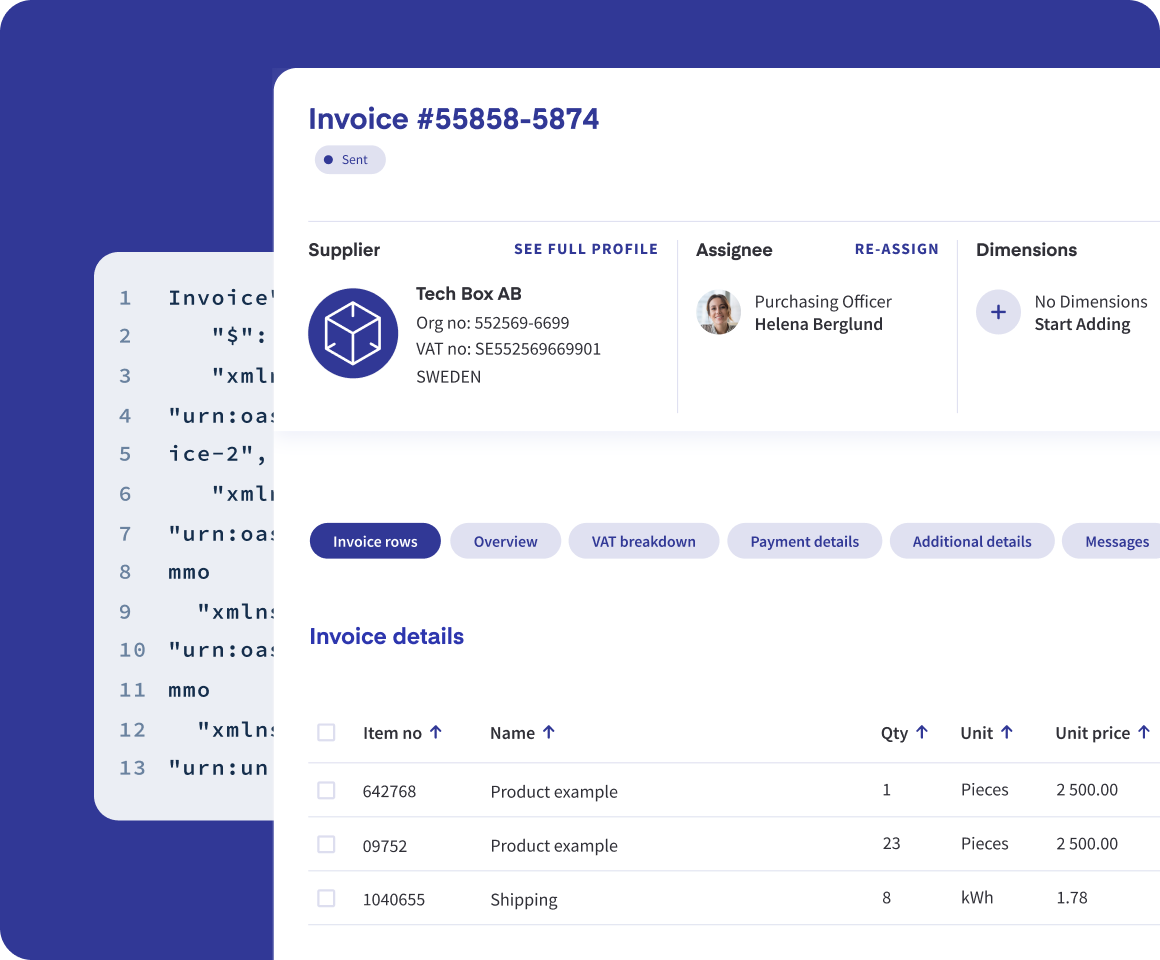
Checked before it reaches the customer
Structured invoices are checked against the applicable format rules before delivery. Peppol invoices are validated against EN 16931 and the relevant Peppol rules. You follow the status of every invoice in Qvalia.
- Customer and product records you reuse on the next invoice
- Status and notifications for every invoice
- Transaction log and user log of what happened and who did it
When the sale starts with an order
Peppol orders from buyers
When a buyer orders over Peppol, the invoice should carry the buyer’s order reference. Order-to-invoice creates the invoice from the order data, so nothing is typed twice.
Business customers in your online store
With B2B checkout, business customers choose to pay by invoice. Qvalia looks up the company, checks whether it is on Peppol and sends the invoice in a format it can receive.
Which plan fits your invoicing
Connect
Self-service plans billed monthly. Send e-invoices and PDF invoices from the web app on every plan. Medium adds the API and order-to-invoice, Large adds connector apps and archiving.
Enterprise
Dynamic routing, print, digital mailbox and internet bank, EDI, B2B checkout and higher volumes, set up with you.
Accounts receivable automation FAQ
What happens if a customer is not on Peppol?
The invoice can be sent as a PDF. With an enterprise agreement, dynamic routing picks another channel for that customer, such as a digital mailbox, internet bank, email or print.
Do we need an integration to get started?
No. You can send invoices from the web app and add a connector app or the API later.
Can we send invoices from our ERP?
Yes. Connector apps cover systems such as Fortnox, Microsoft Dynamics 365 Business Central, Xero and Procountor. Other systems send through the Invoicing API or SFTP.
Is each invoice validated before it is sent?
Yes. Structured invoices are checked against the applicable format rules before delivery, and Peppol invoices against EN 16931 and the Peppol rules, so errors are found before the recipient’s system rejects the invoice.
Does Qvalia handle payments?
No. The invoice carries your payment details, and customers pay to your bank account or payment system. Payments are followed up in your ERP.
Which plan do we need?
Connect plans cover sending e-invoices and PDF invoices, with the API from Medium and connector apps from Large. Dynamic routing, print, digital mailbox, EDI and B2B checkout are part of the Enterprise offer.