Integration app to connect Peppol to your Kleer account. Automate your e-invoicing workflow, from orders to posting invoices.
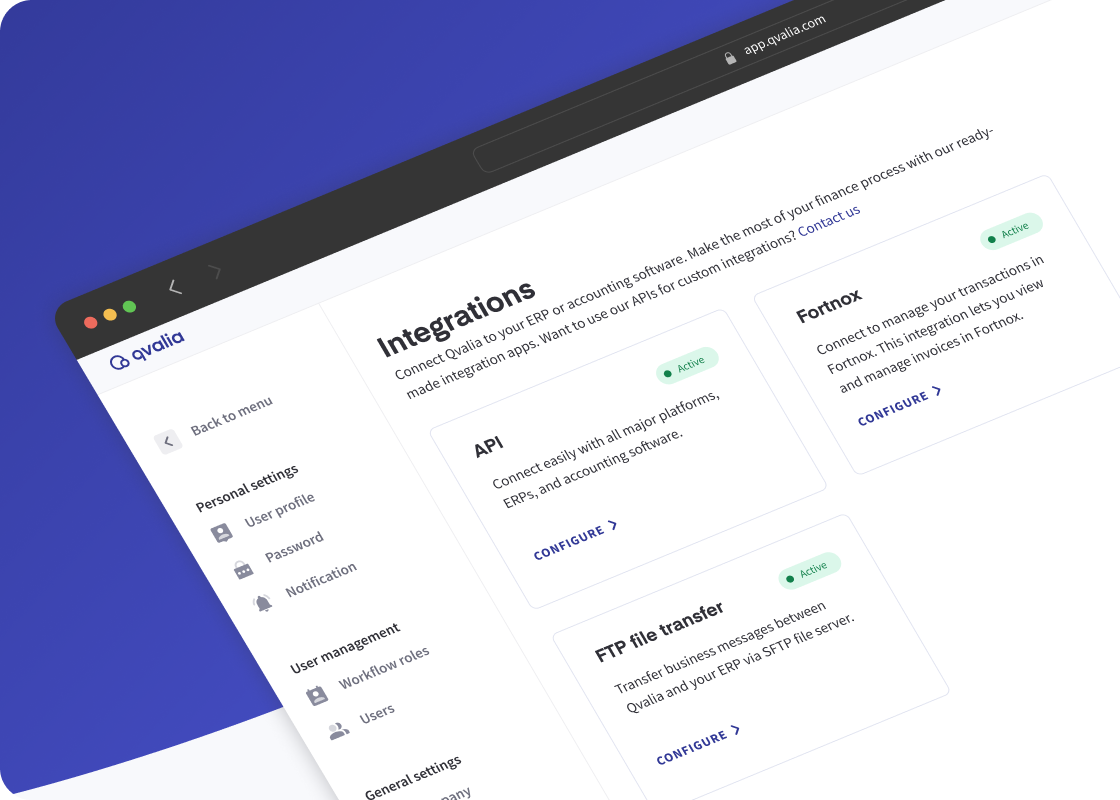
What you can do with Qvalia and Kleer
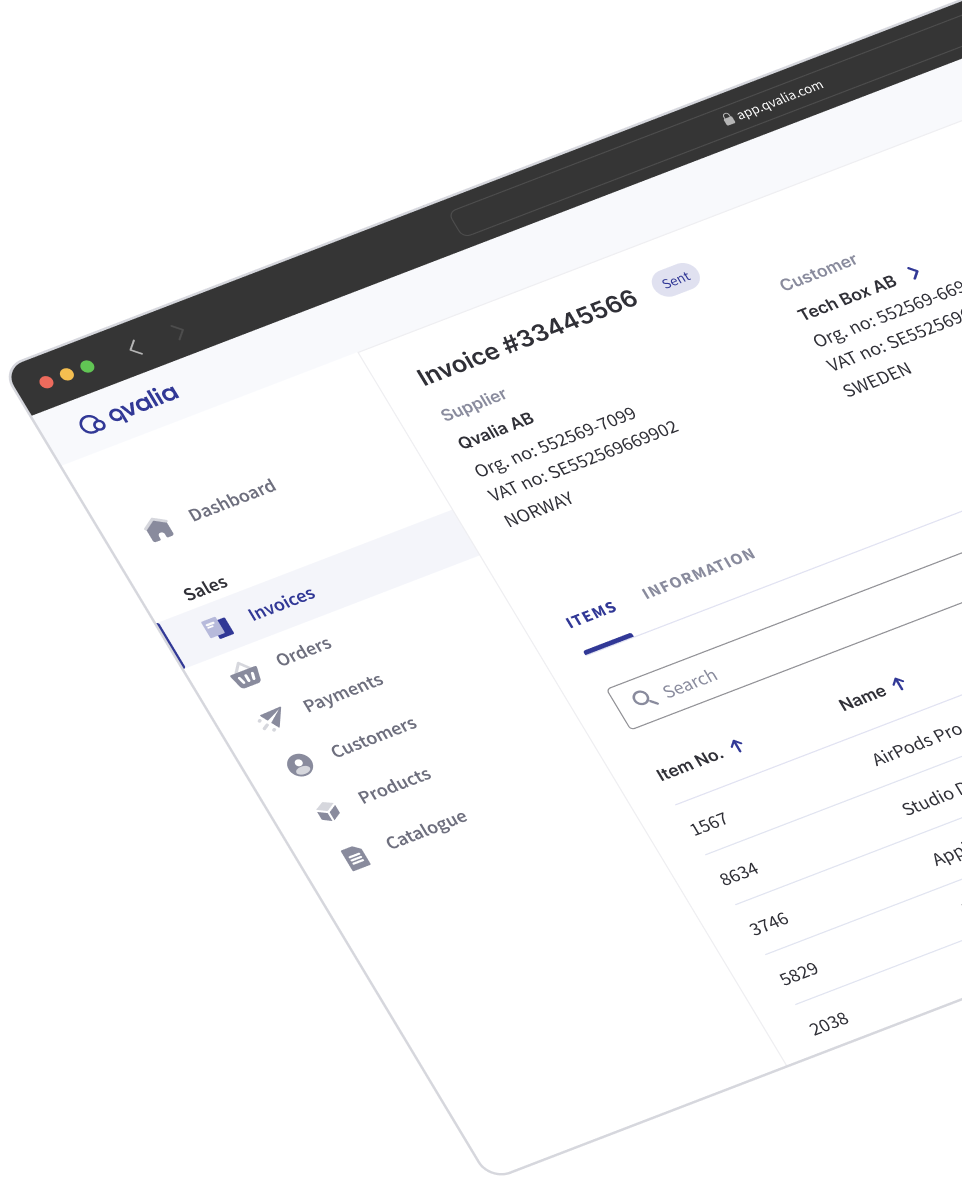
Send Peppol e-invoices. Issue sales invoices directly through the Peppol network from within Kleer.
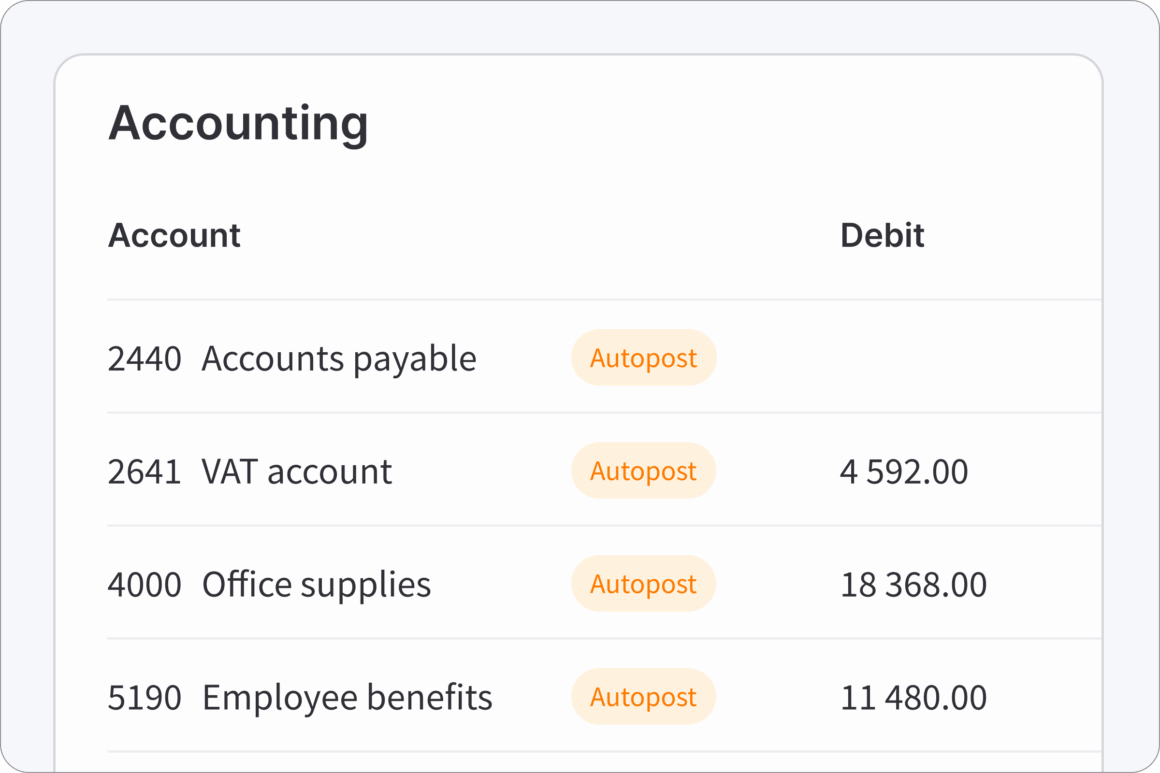
Automated invoice posting. Supplier invoices are automatically posted to your chart of accounts, with AI-generated posting suggestions displayed in Kleer.
Peppol order management. Receive Peppol sales orders, review them, and convert them into customer invoices with a single click.
Full bookkeeping sync. All transactions are recorded instantly in Kleer — no duplicate entry, no exports.
No coding required. The ready-made connector installs in minutes. Your team is up and running the same day.
Peppol compliance
Full Peppol network support. Access all formats and message types.
Powerful features
Streamline transaction management. Upgrade and customize to your needs.
Complete support
Get started in minutes, no coding is required. If needed, our support team is ready to help.
How it works
- Create your Qvalia account
Sign up on the Connect Medium plan or higher. Qvalia registers your business on the Peppol network and provides your unique Peppol ID, making you discoverable to trading partners straight away. - Enable the connector
Go to Settings and Integrations, find Kleer in the list, and click Connect. Follow the authentication steps to link your Kleer account. No coding or IT resources required. - Start sending and receiving
E-invoices and orders flow directly between the Peppol network and Kleer. Posting is handled automatically.
Automated invoice posting
When a customer invoice is issued through Qvalia, it is automatically logged in Kleer and posted to your designated accounts. Invoice lines are mapped using your existing Kleer product IDs — and if a product doesn’t exist yet, Qvalia creates it. Anything that can’t transfer lands in the error log, where you can review, reprocess, or dismiss each item individually.
Ready to connect Kleer to Peppol?
Get started with Qvalia and have your Kleer connected to Peppol.

See all integrations
Explore all integration options.

About Kleer
Kleer is an online accounting software.
What is Peppol e-invoicing for Kleer?
Qvalia’s Kleer integration app connects Kleer to the Peppol network, enabling your business to manage transactions in the Peppol network, including e-invoicing and Peppol order management.
How do I connect Kleer to the Peppol network?
Create a Qvalia account on the Connect Medium plan or higher. Once logged in, go to Settings and Integrations, find the ERP in the list, and follow the instructions. No coding or IT resources required.
What e-invoicing formats does Qvalia support?
Qvalia supports Peppol BIS and local formats in accordance with the EN 16931 standard. Other formats and VAN network messaging are available to users on the Enterprise plan.
Is coding required to set up the integration?
No. The Kleer connector is a ready-made integration app that installs via the Qvalia platform with no technical configuration required.
Who can use the Kleer connector?
The connector is available to Qvalia users on the Medium plan.